
Block Editor
What if the block editor had a place of its own?
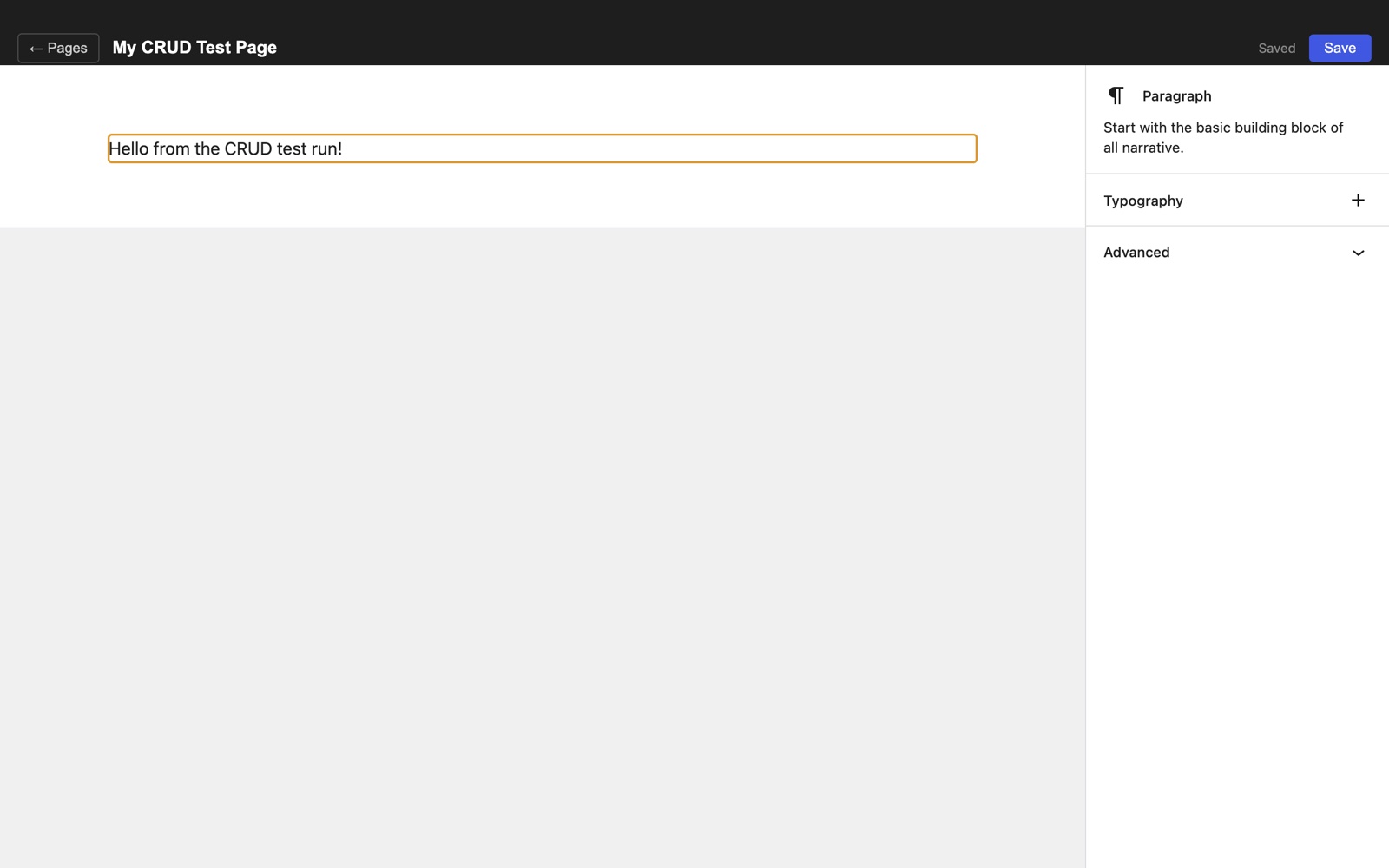
The familiar WordPress editor, without the rest of WordPress. A small desktop experiment in composing with blocks and keeping the work on disk.
View the repository on GitHub ↗Just the editor
Gutenberg is a useful way to put a page together. This experiment takes its editor packages out of the WordPress admin and gives them a simpler home: a page list, an editing canvas and a block inspector inside an Electron app. There is no WordPress installation, PHP server or database to set up.
A small loop: create, write, save
Create a page, give it a title and start adding blocks. The prototype registers Gutenberg’s core blocks and includes a small collection of patterns, with List View for navigating the document and an inspector for block settings.
Changes autosave after a short pause, with a Save button and Cmd/Ctrl+S for an explicit save. Returning to the page list saves the current page before leaving the editor.
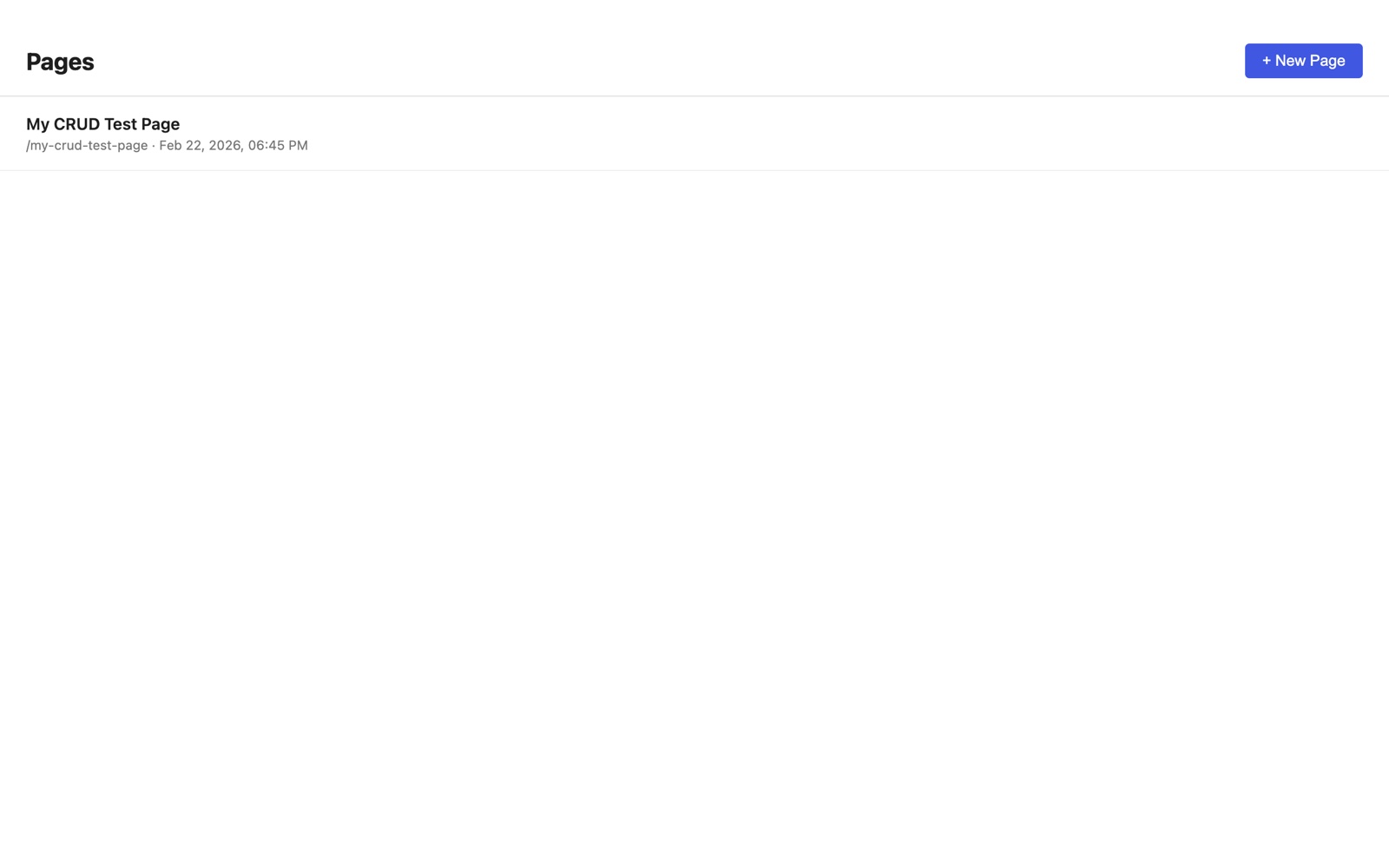
Local files, not a publishing platform
Each page is a JSON file in the app’s local data directory. It holds the title, slug, timestamps and Gutenberg’s serialized block HTML, with a separate index for the page list. File reads and writes happen through Electron’s main process rather than an HTTP API.
This is an editor experiment, not a replacement for a complete CMS. Publishing, sync and a managed media library are outside the current prototype.
Try it locally
The repository includes setup instructions and notes on the architecture. Clone it, install the npm dependencies and run the desktop app from source. React 18 and several WordPress package versions are deliberately pinned to keep the editor dependencies compatible.
Setup instructions on GitHub ↗